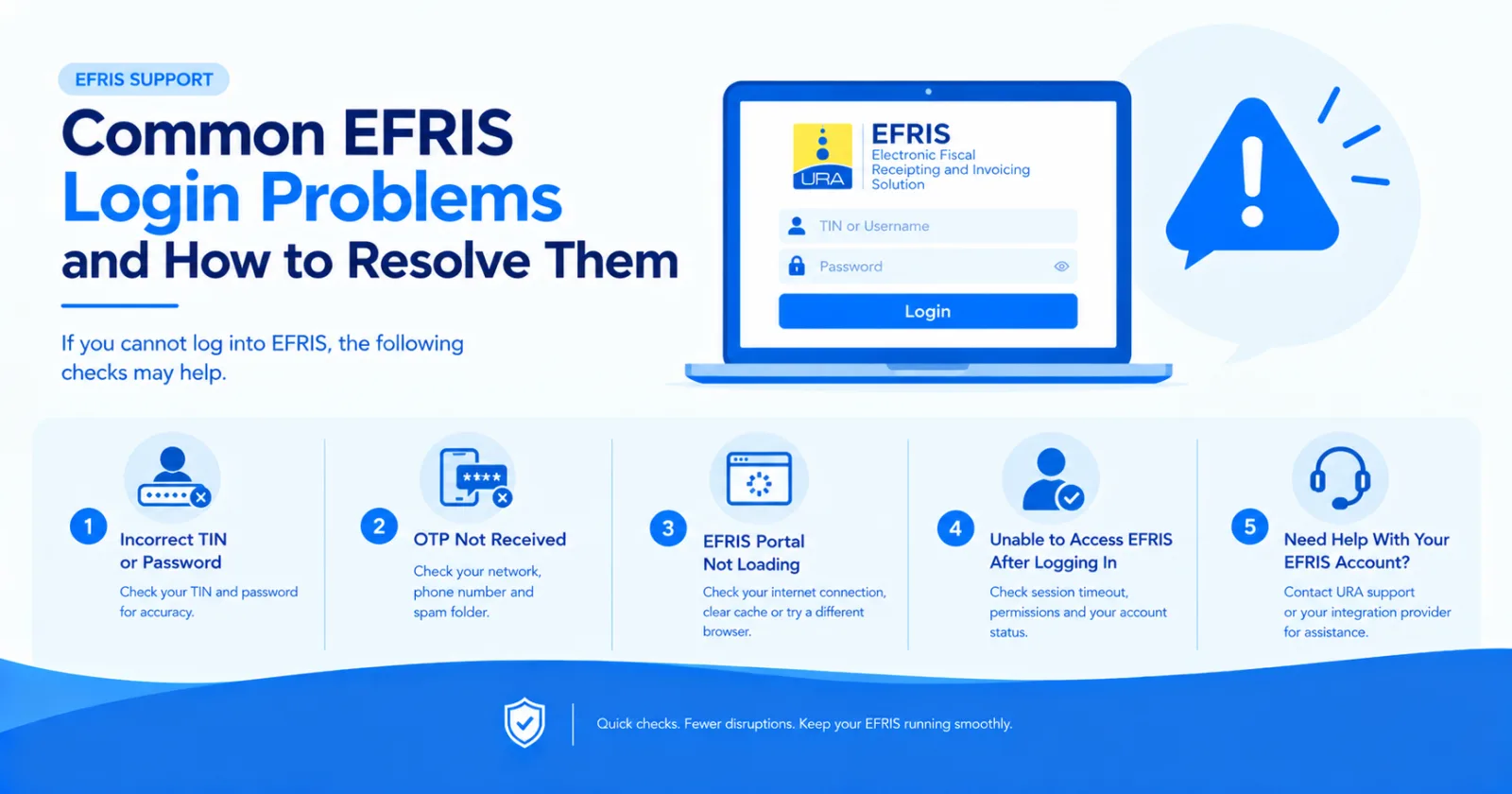
Common EFRIS Login Problems and How to Resolve Them. If you cannot log into EFRIS, the following checks may help.
If you cannot log into EFRIS, the following checks may help.
Check that you have entered the correct TIN and password. Ensure there are no accidental spaces or typing errors.
If you have forgotten your password, use the official URA account recovery process where available.
If you do not receive your OTP:
Confirm that you selected the correct delivery method.
Check whether your registered phone number has network coverage.
Check your email inbox and spam folder if using email.
Wait briefly before requesting another code, if the portal allows it.
Contact URA if you can no longer access your registered contact details.
Never share your OTP or password with an unverified person.
Try refreshing the page, checking your internet connection or using an up-to-date browser.
If the problem persists, the portal may be experiencing a temporary service issue. Try again later or contact URA support.
Successful login does not necessarily mean that every EFRIS function is enabled for your account.
Your registration or approval status may affect the available functions. Consult the official URA registration instructions or contact URA for account-specific assistance.
For account access, registration and other official EFRIS issues, contact the Uganda Revenue Authority through the support channels listed on its official website.
Share this article