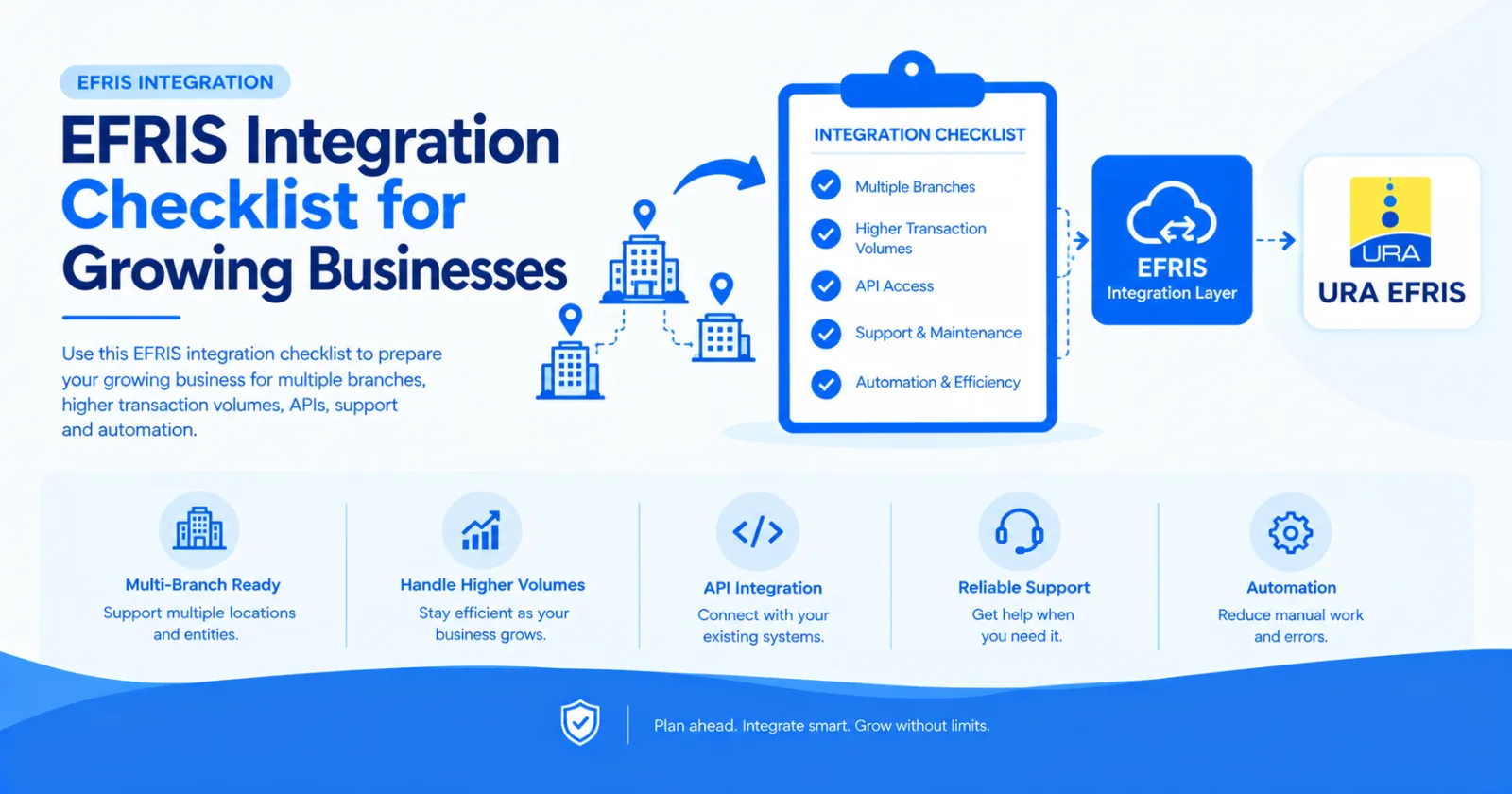
Use this EFRIS integration checklist to prepare your growing business for multiple branches, higher transaction volumes, APIs, support and automation.
As a business grows, its EFRIS requirements often become more complex.
Additional branches, higher transaction volumes and new business systems can expose weaknesses in a manual or poorly planned integration.
Use this EFRIS integration checklist when preparing your business for growth.
Confirm that you have identified:
Every business or TIN requiring integration
The EFRIS environment being used
Authorised users and technical contacts
Relevant branches and sales locations
Required invoice and transaction types
Each registered business should have a clearly defined setup.
Document every system that creates transactions requiring EFRIS processing.
This may include:
Accounting software
ERP systems
POS applications
Ecommerce stores
Billing platforms
Inventory systems
Custom software
Do not evaluate the accounting system alone if sales also originate elsewhere.
Confirm how information will move from your system to EFRIS.
Review:
Customer details
Product information
Tax categories
Units of measure
Quantities
Prices and discounts
Invoice references
Credit notes and refunds
Incorrect mapping is a common cause of integration errors.
Identify which steps still require manual work.
A strong EFRIS integration should reduce repeated data entry and automatically return relevant EFRIS responses to the originating system where possible.
For custom software, confirm that the provider offers:
REST API access
Developer documentation
Authentication guidance
Sandbox testing
Error responses
Production onboarding support
EFRIS Simplified provides an API for connecting custom ERP, POS, accounting and business applications.
Define what happens when a submission fails.
Your business should know:
How failures are detected
Who receives alerts
Who corrects the data
Whether submissions can be retried
How successful and failed transactions are reported
Limit EFRIS integration access to authorised staff and systems.
Review user permissions, API key storage, credentials and audit records.
Assign responsibility for:
Business configuration
Technical integration
User support
Failed transaction investigation
Provider communication
Future upgrades
A growing business needs clear ownership rather than informal dependence on one person.
Ask whether the integration can handle:
More invoices
More branches
More users
Additional systems
Additional businesses
New transaction types
Choose an integration that can grow without being rebuilt from the beginning.
EFRIS integration should support business growth, not become a bottleneck.
EFRIS Simplified provides a managed connection between existing accounting, ERP, POS, ecommerce and custom systems and URA EFRIS.
Your business keeps its normal software while the integration handles the EFRIS layer.
Share this article