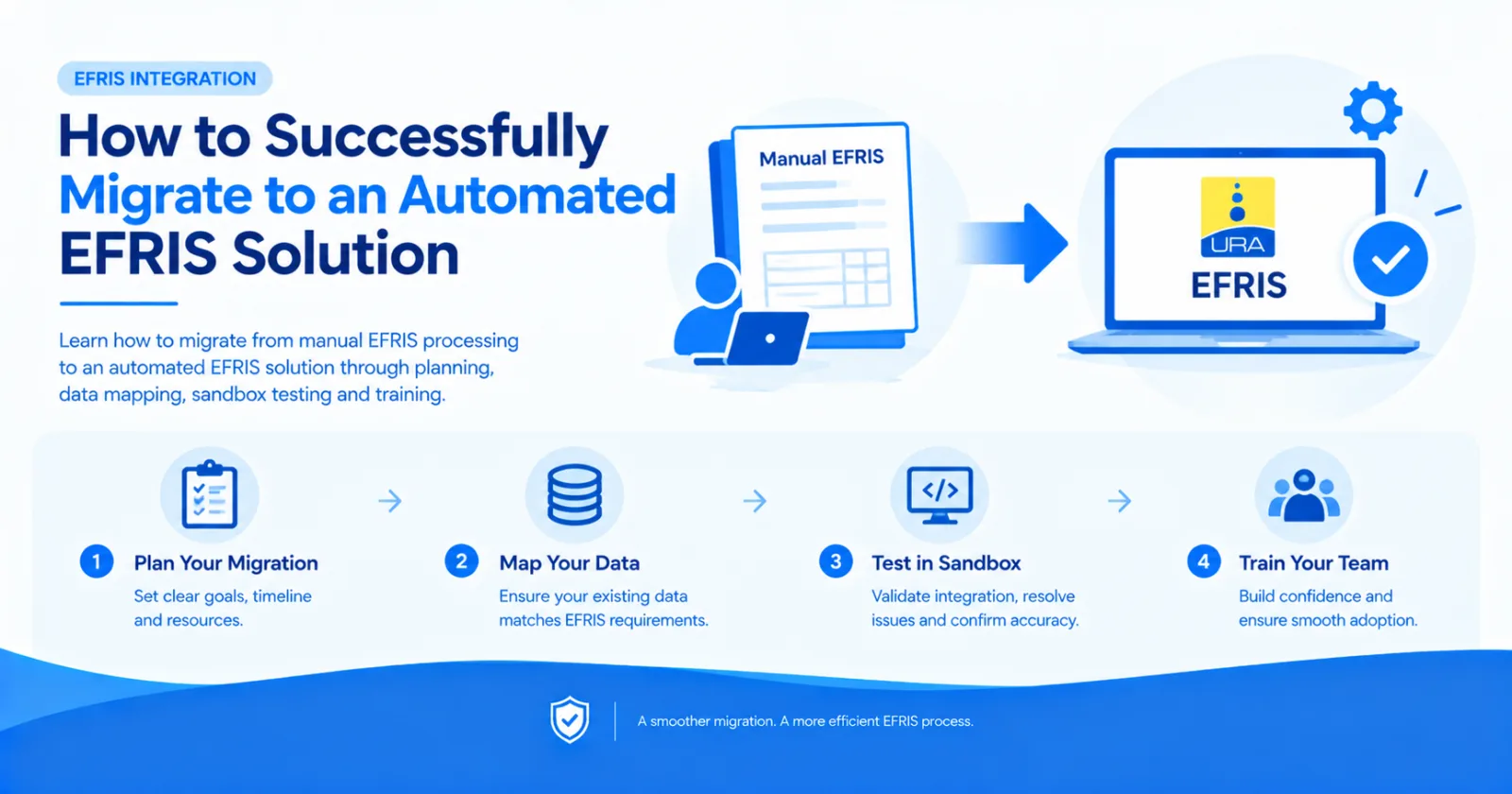
Learn how to migrate from manual EFRIS processing to an automated EFRIS solution through planning, data mapping, sandbox testing and training.
Moving from manual EFRIS processing to an automated integration can reduce duplicate work, improve accuracy and speed up invoicing.
However, migration should be planned carefully to avoid interrupting daily business operations.
Follow these steps when moving to an automated EFRIS solution.
Start by documenting how your business currently handles EFRIS.
Identify:
Where invoices are created
Who enters information into EFRIS
Which steps are repeated
How errors are corrected
How EFRIS records are reconciled
Which branches and systems are involved
This review helps determine what the new integration must automate.
Decide which system will provide the transaction data.
This could be your accounting software, ERP, POS, ecommerce store or custom application.
The source system should contain the information needed to generate accurate EFRIS transactions.
There are two main options:
Build a direct EFRIS integration
Use a managed EFRIS integration provider
Direct integration provides control but requires your team to build and maintain the EFRIS layer.
A managed platform reduces that technical responsibility.
EFRIS Simplified connects existing software to EFRIS and provides a REST API for custom systems.
Before migration, review customer, product and tax information.
Correct inconsistent product names, missing tax details, invalid units and incomplete customer records.
Then map fields from your business software to the information required by the integration.
Do not move directly from development to live invoicing.
Use a sandbox environment to test:
Standard invoices
Business customers
Discounts
Credit notes
Failed submissions
Duplicate prevention
Error responses
Testing should cover normal transactions and unusual scenarios.
Automation changes responsibilities but does not eliminate the need for user training.
Employees should understand:
Which system they should use
How they know an invoice was fiscalised
What to do when a submission fails
Who to contact for support
Which manual steps should stop
Choose a migration date and define how the transition will happen.
Avoid running two uncontrolled processes for an extended period because this can create duplicate or inconsistent transactions.
Maintain a clear fallback plan in case unexpected issues occur.
Closely review the initial production submissions.
Confirm that invoice values, tax details, customer information and EFRIS responses are correct.
Resolve small issues early before transaction volumes increase.
Migrating to automated EFRIS does not necessarily mean changing your accounting, ERP or POS system.
EFRIS Simplified is built to connect the software your business already uses to URA EFRIS.
Your team keeps working from its familiar system while EFRIS Simplified handles the integration.
Share this article