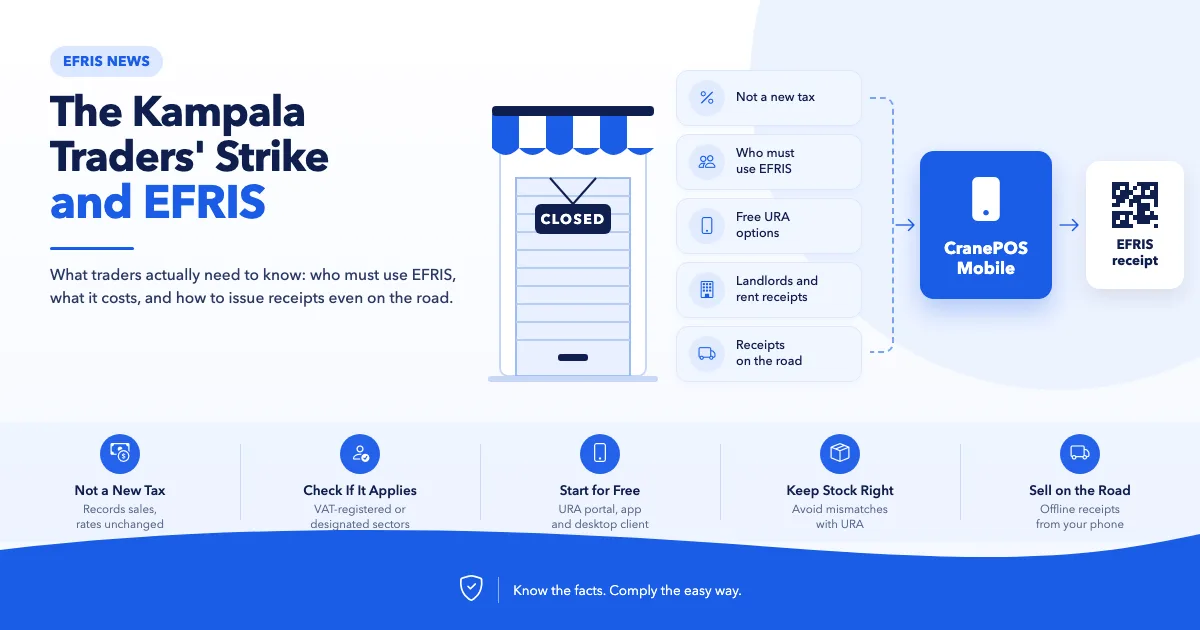
Kampala traders closed shops on 17 November 2026, with EFRIS among their complaints. Who must use EFRIS, what it costs, and how to make it less painful.
Last updated: 19 November 2026. This is a developing story; we'll update this post as it changes.
On Tuesday, 17 November 2026, many shops and arcades in downtown Kampala stayed closed in a protest led by the Kampala City Traders Association (KACITA). Traders want a review of URA's tax assessments, customs procedures and enforcement methods. The Electronic Fiscal Receipting and Invoicing Solution (EFRIS) is one of their complaints.
This post does not take sides in the dispute. Many of the traders' concerns are about customs and policy, which are matters for traders, URA and government to resolve. What we can do, as a team that works with EFRIS every day, is clear up what EFRIS actually requires, because a lot of the fear around it comes from misunderstanding. If EFRIS does apply to you, we'll show how to make it as painless as possible.
Before the strike: a meeting between traders and URA at Nakawa on 10th November collapsed. Traders say it broke down when they were asked to leave their phones at registration. URA has given its own account of the meeting.
17th November: shops across downtown Kampala, including the Kikubo area, closed. Some plazas stayed open, and the landlords' association declined to join.
The grievances: mostly customs and cargo: delayed clearance, truck impoundments, repeated verification checks and the procedure for goods coming through Nairobi. Traders also raised tax assessments and enforcement. On EFRIS, the complaint is about how it's enforced and its effect on daily operations. One report says the concern is "especially among city landlords".
18th November: traders' leaders met the Prime Minister. According to the Daily Monitor, government agreed to review taxes on textiles, directed URA to reopen sealed shops within three days, agreed to change the clearance procedure for goods from Nairobi, and set up a revenue harmonisation committee. EFRIS was not among the reported resolutions. Many traders were taking a wait-and-see approach.
Coverage: The Independent, Nile Post, Daily Monitor.
This isn't the first time. Traders also closed shops in April 2024 over EFRIS and taxation.
EFRIS doesn't add a new tax or change any tax rate. It changes how sales are recorded: each sale is sent to URA and comes back with a Fiscal Document Number (FDN) and QR code. URA has repeated this position during the current dispute.
What EFRIS does change is visibility. Sales that used to be invisible to URA are now recorded, so for some businesses the tax they actually pay goes up because more of their sales are counted. That's a real effect, and it's worth being honest about. See 12 EFRIS myths vs facts.
EFRIS is mandatory for two groups:
VAT-registered businesses. Every sale needs an e-invoice.
Businesses in 12 designated sectors, VAT-registered or not, with annual turnover of UGX 10 million or more. These include hotels, restaurants and bars, construction, manufacturing, real estate and fuel retail.
General retail and wholesale trade is not one of the designated sectors. A trader selling clothes, electronics, hardware or household goods who is not VAT-registered is not required to use EFRIS. Check your own position in the complete EFRIS guide.
Real estate is a designated sector. Landlords with annual rental income of UGX 2.82 million or more are expected to issue EFRIS e-receipts for rent. That's a big change for downtown building owners, and it explains why landlords feature in this dispute. Details in EFRIS for landlords.
For tenants, the rent receipt has a practical benefit: a fiscal receipt for rent supports your income tax deduction for that rent. See Section 22(3)(m) explained.
URA provides three free ways to issue EFRIS documents: the web portal, the EFRIS mobile app and the desktop client. The mobile app runs on an ordinary smartphone and works offline for up to five days. See the EFRIS mobile app guide.
That question, from KACITA chairperson Issa Ssekito, captures a real frustration: goods being stopped in transit and traders asked for paperwork. Two things help:
Keep your purchase documents with the goods. When you buy stock, ask your supplier for their EFRIS e-invoice or e-receipt with your TIN on it, and keep a copy (paper or phone) with the consignment. It also protects your input VAT claim and income tax deduction. See why supplier e-invoices matter.
If you sell on the move, carry your till in your pocket. Route sales, deliveries, market days and up-country trips need a way to issue receipts away from the shop, often with patchy network.
This is the problem CranePOS Mobile was built for. It turns an ordinary Android phone or iPhone into a full EFRIS-ready till:
Real EFRIS receipts on the spot. When the phone has network, each sale is sent to URA as you complete it, and the receipt carries the FDN, verification code and URA QR code.
Keeps selling with no network. Sales are saved on the phone. When there's no connection, the receipt is issued without the QR code, and the sale is sent to URA automatically once the phone is back online and syncs. That keeps you within EFRIS's five-day offline window without writing manual receipts.
Print or share. Print on a pocket-sized Bluetooth thermal printer (58mm or 80mm), or share the receipt as a PDF on WhatsApp or email.
Scan with the phone's camera or a Bluetooth scanner, so you're not typing item names on a small screen.
Same stock, same books. The phone shares stock, customers and reports with your shop's CranePOS account, so a sale on the road comes off the same stock as a sale at the counter, and URA sees one consistent picture.
For a trader who loads a vehicle in Kikubo and sells along the way, that means a proper EFRIS receipt for every customer, from the road, without a laptop or a receipt book.
Many traders experience challenges when using EFRIS. Most of these frustrations are not caused by the tax requirements themselves, but by the tools and processes used to comply.
Here are some common problems and practical ways to solve them:
1. Having to Enter Every Sale Twice
The problem: Businesses maintain their own sales records but must also enter the same transactions separately into the EFRIS app or portal.
The solution: Use a POS or accounting system that automatically sends each sale to EFRIS, eliminating duplicate data entry.
2. URA's Stock Figures Don't Match Actual Stock
The problem: Stock received, damaged, written off or transferred between branches is not always reported to EFRIS, resulting in differences between recorded and actual stock.
The solution: Use a system that automatically reports stock receipts, adjustments and branch transfers to EFRIS as you record them.
3. Long Queues When Issuing Receipts
The problem: Entering products and quantities manually on a phone can slow down service, especially at busy checkout counters.
The solution: Use a POS system with barcode scanning and a proper checkout interface to process sales faster.
4. Relying on Manual Receipt Books During Internet Outages
The problem: Some businesses struggle to issue fiscal documents when their internet connection is unavailable.
The solution: Use an EFRIS-compatible system that supports offline issuing and automatically synchronises transactions when the internet connection is restored. Remember that manual receipts issued under the applicable outage provisions must be uploaded to EFRIS within 24 hours.
5. Returns and Corrections Become a Headache
The problem: Once a sale has been fiscalised, you cannot simply delete or edit the original transaction to correct a mistake or process a return.
The solution: Use a system that allows you to raise credit notes directly from the original sale, making returns and corrections easier to manage.
With the right tools, EFRIS compliance doesn't have to mean more paperwork, slower checkouts or duplicated work. Integrating EFRIS with your existing business software can make the entire process significantly easier.
Stock mismatches deserve special attention. When URA's record of your stock doesn't match what's on your shelves, it invites questions. Keeping EFRIS stock accurate is one of the best ways to avoid unnecessary verification visits.
Low volume, few products: start with the free EFRIS mobile app or web portal.
You already use accounting or ERP software: connect it to EFRIS so sales are submitted automatically. That's what EFRIS Simplified does.
You need a proper till and stock control: use a POS with EFRIS built in.
You sell on the move: use a phone till that issues EFRIS receipts and works offline, such as CranePOS Mobile.
For the third path: CranePOS is made by QSYSTEMS LTD, the same Ugandan team behind EFRIS Simplified. It registers your products with URA, reports stock received, write-offs and transfers between your shops automatically, issues the e-invoice or e-receipt with its QR code at the till or on CranePOS Mobile, keeps selling offline, and handles returns with credit notes. See how CranePOS handles EFRIS and our EFRIS POS overview.
Not sure whether EFRIS applies to you at all? Ask us. We'll tell you honestly, even if the answer is that you don't need anything from us.
Want to see EFRIS working on your own products? CranePOS is the EFRIS-ready POS made by QSYSTEMS LTD, the same team behind EFRIS Simplified. Message us on WhatsApp on +256 704 031 764 for a free demo, or explore CranePOS.
No. As of 19 November 2026, no suspension of EFRIS has been reported. The reported agreements cover textile taxes, sealed shops, customs procedures and a harmonisation committee. Keep issuing fiscal documents if EFRIS applies to you.
Not if you're in general retail or wholesale trade. You may join voluntarily.
The penalty is double the tax due or UGX 200,000, whichever is higher. See the complete guide.
URA's toll-free lines and other channels are listed in EFRIS help: URA contacts.
Share this article