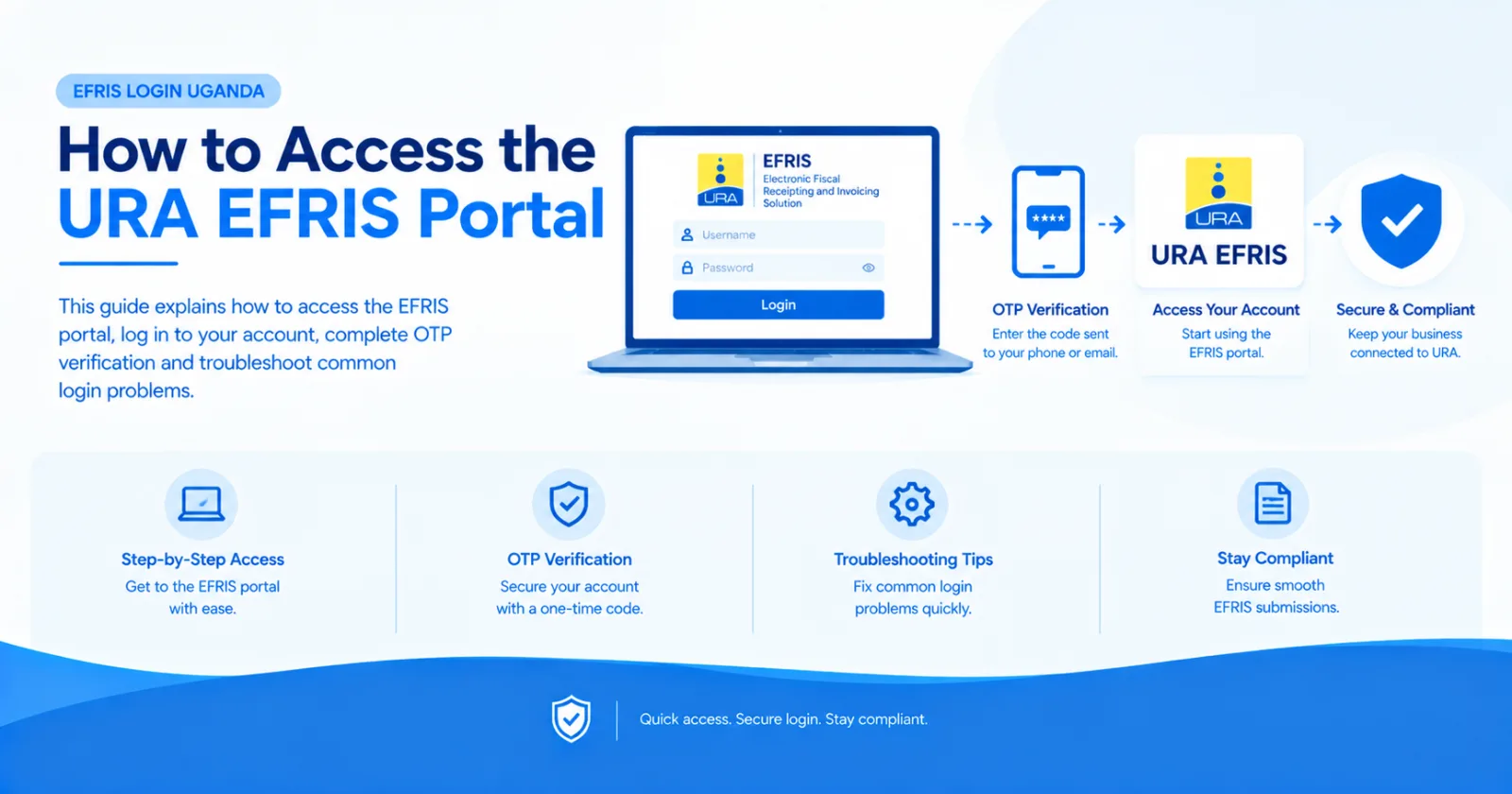
This guide explains how to access the EFRIS portal, log in to your account, complete OTP verification and troubleshoot common login problems.
If you are looking for the EFRIS login page in Uganda, you can access the Electronic Fiscal Receipting and Invoicing Solution (EFRIS) through the official Uganda Revenue Authority (URA) website.
EFRIS enables businesses to issue electronic invoices and receipts and transmit transaction information to URA. This guide explains how to access the EFRIS portal, log in to your account, complete OTP verification and troubleshoot common login problems.
Looking for the official EFRIS portal?
Visit the Uganda Revenue Authority EFRIS page to access official EFRIS information and navigate to the login service.
Note: EFRIS Simplified is an independent EFRIS integration solution, not the official Uganda Revenue Authority website.
Follow these steps to access your EFRIS account.
Open the official URA EFRIS page and navigate to the EFRIS login option.
Always verify that you are using an official URA website before entering your tax credentials.
On the URA portal, select Login and choose EFRIS from the available options, following the portal's login instructions.
Enter the requested information, such as your Tax Identification Number (TIN) and password or other portal credentials, depending on your account and login flow.
Make sure your credentials are correct before submitting them.
If prompted, select the available one-time password (OTP) delivery method. URA may send a verification code to your registered email address or mobile phone.
Enter the OTP on the portal to complete verification and proceed to your EFRIS account.
If you cannot access the registered phone number or email address, contact URA through its official support channels for assistance.
After successful authentication, you should be able to access the EFRIS interface and the functions available to your account.
Depending on your registration status, you may be able to manage registration, configure goods or services, and issue electronic fiscal documents.
For official registration instructions, see the URA EFRIS registration guide.
If you cannot log into EFRIS, the following checks may help.
Check that you have entered the correct TIN and password. Ensure there are no accidental spaces or typing errors.
If you have forgotten your password, use the official URA account recovery process where available.
If you do not receive your OTP:
Confirm that you selected the correct delivery method.
Check whether your registered phone number has network coverage.
Check your email inbox and spam folder if using email.
Wait briefly before requesting another code, if the portal allows it.
Contact URA if you can no longer access your registered contact details.
Never share your OTP or password with an unverified person.
Try refreshing the page, checking your internet connection or using an up-to-date browser.
If the problem persists, the portal may be experiencing a temporary service issue. Try again later or contact URA support.
Successful login does not necessarily mean that every EFRIS function is enabled for your account.
Your registration or approval status may affect the available functions. Consult the official URA registration instructions or contact URA for account-specific assistance.
For account access, registration and other official EFRIS issues, contact the Uganda Revenue Authority through the support channels listed on its official website.
Yes. The URA web portal is not the only way to use EFRIS.
Depending on your business requirements and eligibility, you may use the EFRIS mobile application, desktop client application or an integrated business system.
Businesses that already use accounting software, ERP systems or point-of-sale (POS) software may benefit from a system-to-system integration with EFRIS.
The right option depends on your transaction volumes, existing software and operational requirements.
Manually entering sales into a separate tax portal can create additional work for businesses that already process transactions through accounting software, ERP systems or POS applications.
An EFRIS integration connects an existing business system to URA's EFRIS services through the supported integration interface.
Depending on the integration, this can help businesses:
Transmit sales transaction information from their existing software.
Generate electronic fiscal invoices and receipts through the integrated workflow.
Reduce duplicate data entry.
Keep their sales processes connected to EFRIS.
Automate fiscal document processing within their existing operations.
The specific capabilities depend on the business system and the integration implemented.
EFRIS Simplified helps businesses and software providers integrate their existing applications with Uganda's EFRIS system.
Instead of building and maintaining the entire integration independently, businesses can use an integration layer designed to connect compatible accounting, ERP, POS and custom software to EFRIS.
EFRIS Simplified is suitable for businesses that need an integration solution and software developers who want to incorporate EFRIS functionality into their applications.
Explore EFRIS Simplified to learn more about the integration service, or contact our team to discuss your software requirements.
Start from the official URA EFRIS page, which provides EFRIS information and access guidance. Verify the website before entering your credentials.
Navigate to the official URA portal, select the EFRIS login option and follow the authentication process shown. Enter the requested credentials and complete OTP verification if prompted.
Check your registered phone number or email address, network coverage and spam folder. If you cannot access your registered contact details, contact URA for assistance.
Some access options, including the URA web portal and EFRIS mobile application, are available free of charge. Hardware, paid EFRIS options and third-party integration services may involve additional costs. Confirm the requirements for your chosen solution with URA or the service provider.
Yes. Businesses with compatible accounting systems, ERP applications or POS software can use a system-to-system integration to connect their applications to EFRIS.
EFRIS Simplified provides an integration service for businesses and software providers that need this type of connectivity.
Accessing EFRIS in Uganda starts with the official Uganda Revenue Authority website. If you experience login difficulties, verify your credentials, complete OTP authentication where required and contact URA for account-specific support.
If your business already uses accounting, ERP or POS software and wants to automate its EFRIS processes, explore EFRIS Simplified to learn how your existing system can be connected to EFRIS.
Share this article