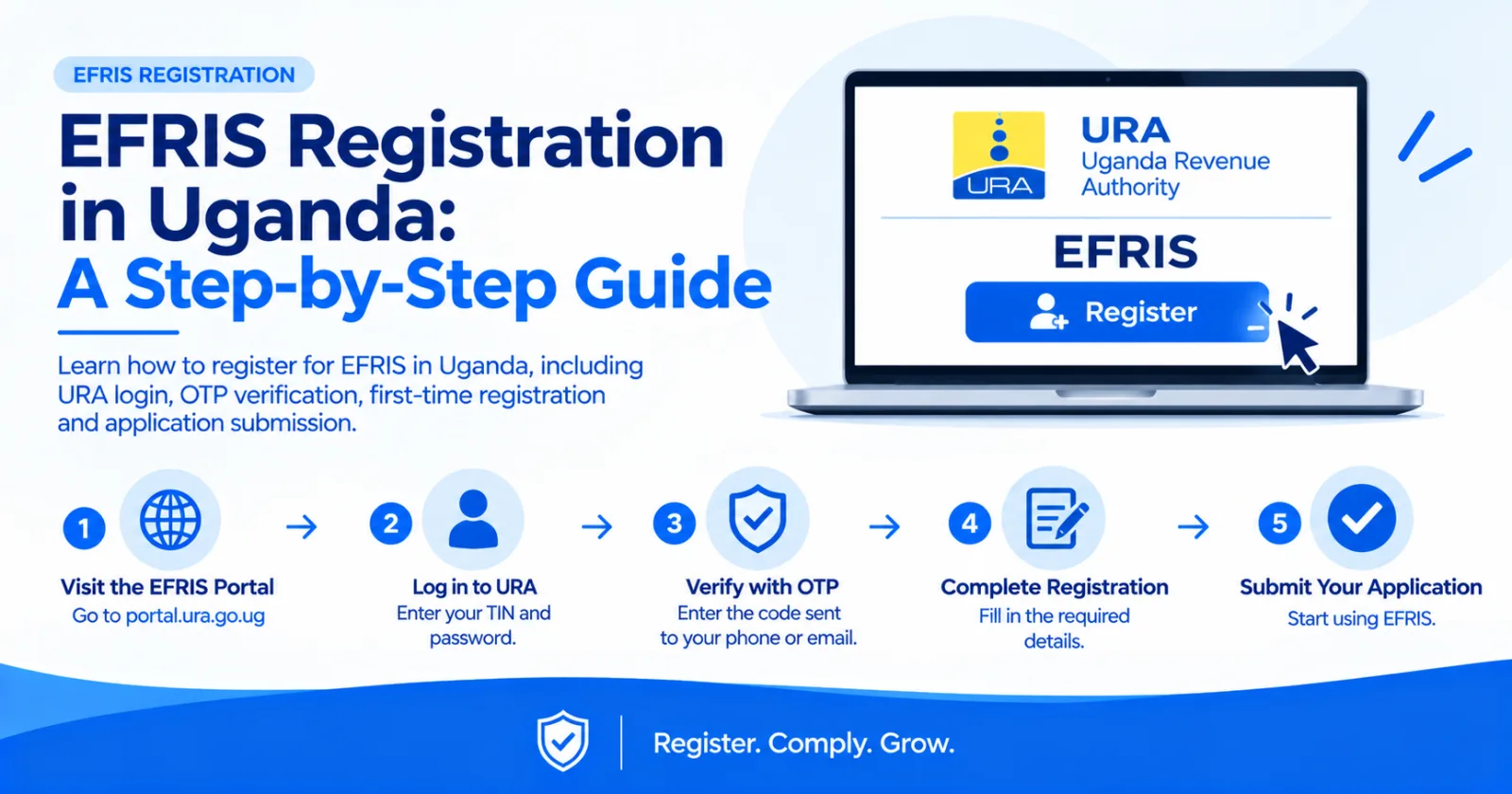
Learn how to register for EFRIS in Uganda, including URA login, OTP verification, first-time registration and application submission.
Registering for the Electronic Fiscal Receipting and Invoicing Solution (EFRIS) in Uganda starts with your Uganda Revenue Authority (URA) account. This guide explains the registration process, what you need and how to confirm successful registration.
Before starting, ensure you have:
A valid Tax Identification Number (TIN).
Your URA portal login credentials.
Access to the email address or phone number registered with URA to receive an OTP.
Step 1: Visit the URA website
Go to the official URA EFRIS page and select the login option.
Step 2: Log in to EFRIS
Select EFRIS from the login options and enter your TIN and password. Choose your preferred OTP delivery method, then enter the verification code sent to your registered email or phone.
Step 3: Start first-time registration
After logging in, select First-time registration. Depending on your taxpayer status, you may find this option under the Registration menu.
Step 4: Complete the registration form
Select the applicable registration type, such as e-invoicing or Electronic Fiscal Devices (EFDs), and enter the effective date where requested. Indicate any additional places of business and upload supporting documents if required.
Step 5: Submit your application
Submit the completed application to URA. Follow any approval instructions displayed by the system.
Step 6: Confirm registration
Refresh the page or click the URA logo to refresh the available options. Check that the EFRIS menu and relevant functions are available.
Important: URA's guidance states that VAT-registered taxpayers are automatically registered for EFRIS. If you are VAT-registered but cannot access the required functions, contact URA for assistance. Non-VAT-registered taxpayers may follow the first-time registration process.
Once registered and able to access the required functions, you can configure your goods or services and begin using the appropriate EFRIS option to issue electronic invoices or receipts.
URA provides several options, including its web portal, mobile application, desktop client software, electronic fiscal devices and system-to-system integration. Availability and suitability depend on your business requirements.
For registration or account-access problems, contact URA through its official support channels:
Toll-free: 0800 117 000 or 0800 217 000
Email: services@ura.go.ug
WhatsApp: 0772 140 000
For further guidance, visit the official URA EFRIS registration page.
If your business already uses accounting, ERP or point-of-sale software, EFRIS Simplified helps businesses and software providers connect compatible systems to EFRIS, reducing manual data entry and supporting automated fiscal document workflows.
Explore EFRIS Simplified to learn more about integrating EFRIS with your existing business software.
Share this article